Sawarid سواريد
The Ultimate Media Player for Mobile & TV
0
0
0
0
0
What's New in Version 1.4
- 🚀 Enhanced video playback engine for lower latency and buttery smooth streaming.
- 🔗 Extended universal compatibility supporting all video formats and major streaming URLs.
- 🛠️ Patched major connection loss issues and resolved audio-to-video sync lags.
- 🖥️ Optimized remote D-Pad navigation design and rendering adjustments on Smart TVs.
Complete Installation Guide
📱 For Android Mobile (Step-by-Step)
1. Download: Click the 'DOWNLOAD APK NOW' button to start downloading the official APK file.
2. Security & Scan: Your browser may show a warning ('File might be harmful'). This is standard for sideloaded apps. Click 'Download anyway'. Once downloaded, you can safely scan the APK using Google Play Protect, Samsung Device Care, Xiaomi Security, or any antivirus to confirm it is 100% secure.
3. Enable Unknown Sources: Tap the downloaded file. If a prompt appears, click 'Settings' and enable 'Allow from this source'.
4. Install & Open: Return to the installation screen, tap 'Install', wait a few seconds, and tap 'Open' to launch Sawarid.
📺 For Smart TV & Firestick (Step-by-Step)
1. Install 'Downloader': Go to the App Store on your Android TV, Google TV, or Firestick. Search for 'Downloader' (with the orange icon by AFTVnews) and install it.
2. Grant Permissions: Go to TV Settings > Device Preferences (or System) > About. Scroll down to 'Build' and click it 7 times to enable Developer Options. Then, go to Security & Restrictions > Unknown Sources, and turn it ON for the 'Downloader' app.
3. Enter URL: Open the Downloader app, enter this exact URL in the address bar: https://apps-sawarid.vercel.app and click Go.
4. Install & Run: The file will download automatically. Use your TV remote (D-Pad) to click 'Install' and then launch the app.
Discover Sawarid Features
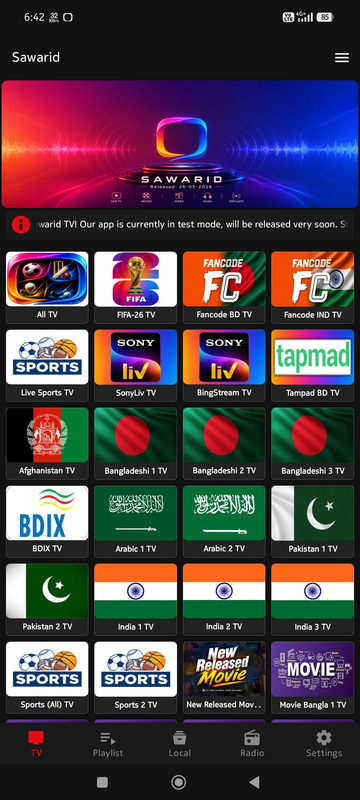
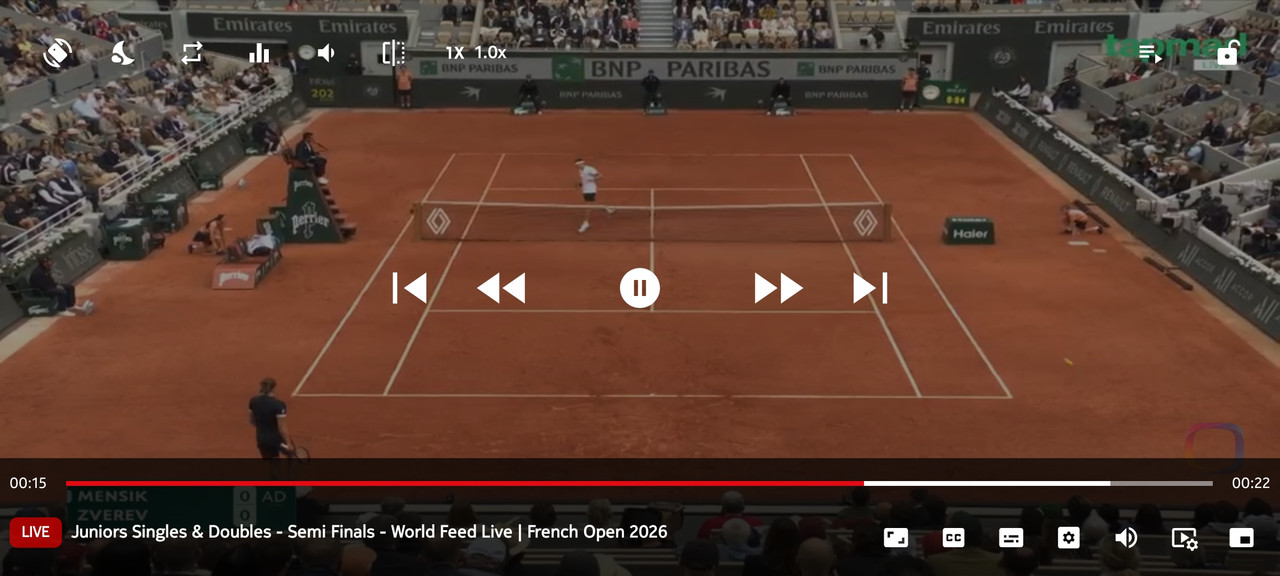
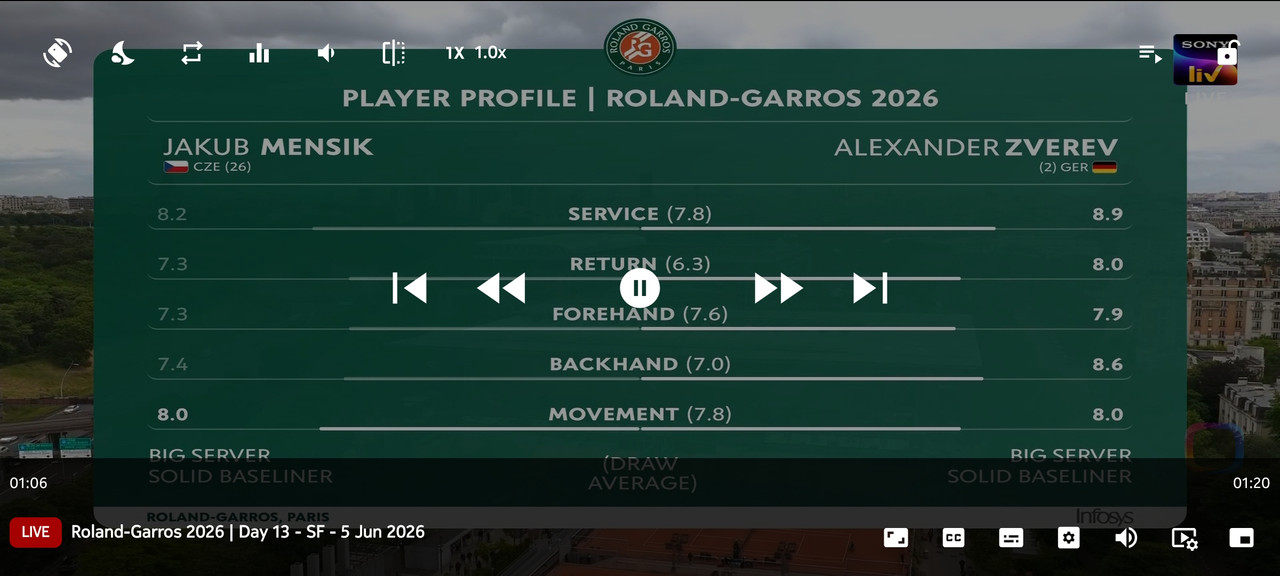
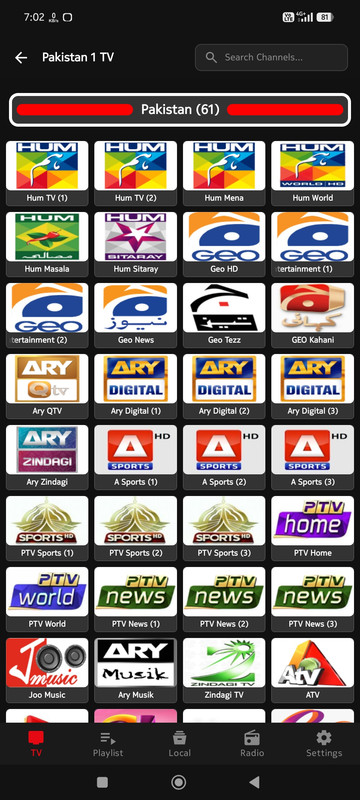
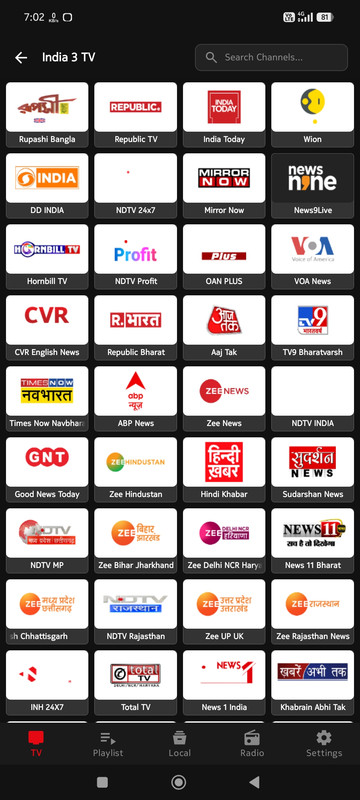
🌍 Global TV Channels
Watch thousands of live TV channels from all around the world in one place. Sports, news, movies, and entertainment are just a click away.
🔗 Custom Playlists & Sources
Have your own M3U playlist or streaming link? Add custom sources easily and enjoy your favorite content without any restrictions.
📁 Local Video Player
Not just online streams, Sawarid acts as a powerful local media player. Play videos stored on your device seamlessly with advanced audio controls.
🖥️ Cross-Device Compatibility
Designed perfectly for all Android devices. Whether it's your Smartphone, Smart TV, Android TV Box, or Projector. Easily navigate using your TV Remote (D-Pad).
💻 Web TV for PC & Laptop
Don't have an Android device? No problem! Access our Web TV directly from your PC or Laptop browser and watch live channels for free.
Why Choose Sawarid?
Universal Player
Play M3U, M3U8, MP4, MKV smoothly. Best choice for live streaming and local videos.
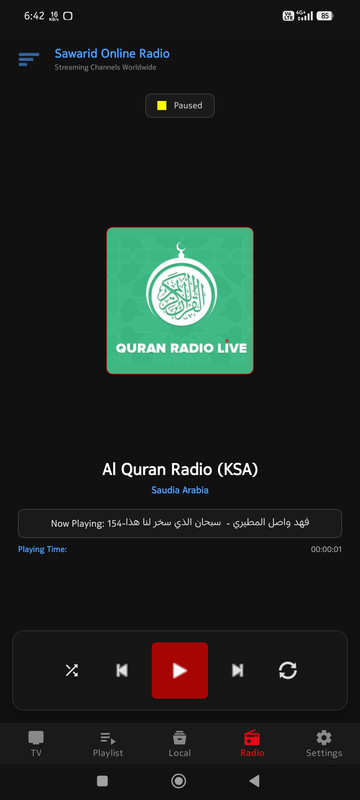
Live Radio & Background
Listen to worldwide radio stations in the background with lock screen controls.
Advanced Audio Engine
Built-in Equalizer, Bass Boost, and Volume Enhancer up to 500%.
TV & Mobile Ready
Fully optimized layout for Android Smartphones and Smart TVs with D-Pad support.
Ultimate Security
Anti-piracy and anti-sniffing engine ensures a safe and secure environment.
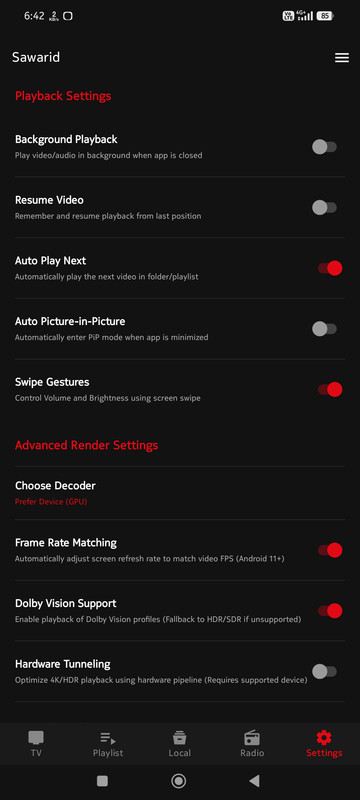
Picture-in-Picture (PiP)
Multitask effortlessly by watching your favorite videos in a floating window.
Frequently Asked Questions
Sawarid supports M3U playlists, M3U8, MP4, MKV streaming, and direct video links, making it compatible with almost any source.
Open the app, navigate to settings/playlists, input your M3U playlist URL, and your channels will automatically load.
You can use our official Web TV player on any web browser for PC or iOS. Android APK sideload is dedicated for Android TVs and Mobile phones.
Yes, Sawarid has a built-in anti-piracy, anti-sniffing, and clean security engine to shield you and protect your personal data.
Join Our Community
Telegram
Join our official Telegram Channel to receive direct updates and links.
Follow our official Facebook Page for daily updates and live discussions.
App Overview